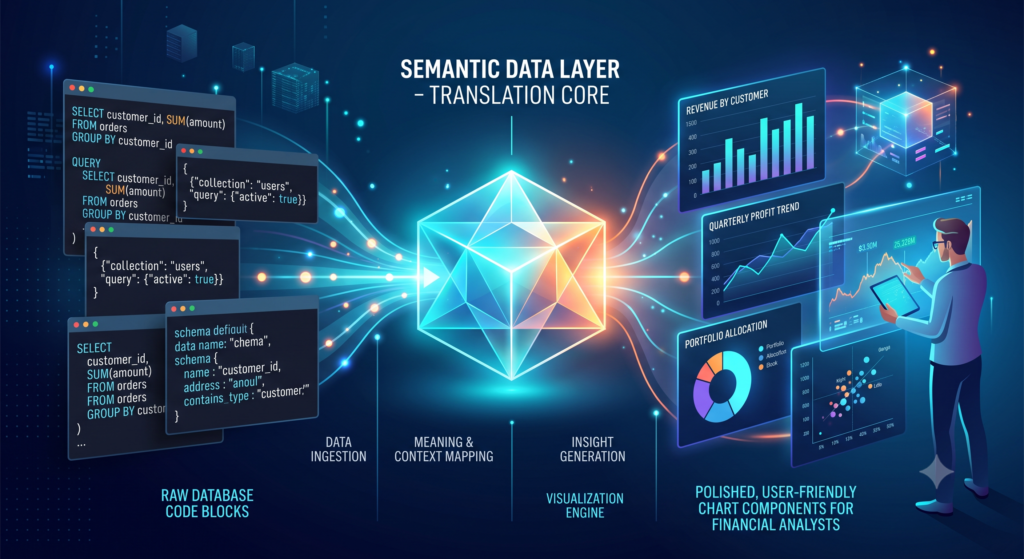
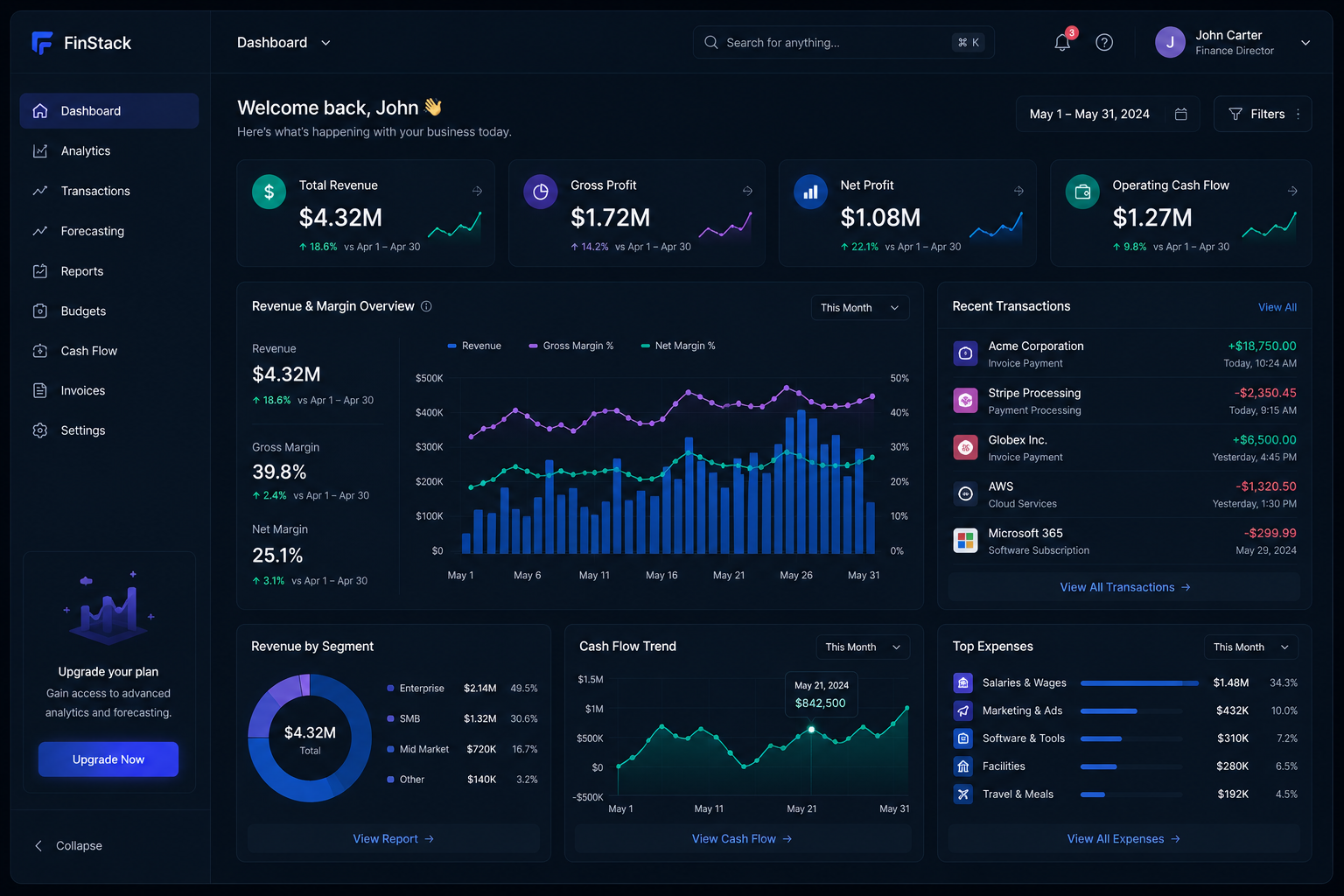
As enterprise software transitions from static toolsets to integrated operational platforms, software-as-a-service (SaaS) providers and financial technology platforms are increasingly embedding analytical capabilities directly into their core product user interfaces. Embedded finance analytics allows end-users to view, model, and act upon financial transaction data natively within their operational software without exporting CSVs or toggling between external business intelligence applications.
This guide explores the technical decoupling, security architectures, and UI/UX design patterns necessary to deliver high-performance embedded financial intelligence inside B2B applications.
1. Deconstructing Embedded Analytics Architecture
Embedded analytics is fundamentally different from building an internal company dashboard. Internal dashboards serve a closed group of employees who share the same security network and database access. Embedded analytics, by contrast, must operate securely across thousands of independent corporate clients (multi-tenancy) via public-facing software applications.
Achieving this requires decoupling the presentation layer from the analytical engine using a Headless BI Architecture.
+------------------------------------------------------------------------+
|                      Host SaaS Application (Frontend)                  |
|                                                                        |
|  +------------------------------------------------------------------+  |
|  | Web Component / Embedded Dashboard iFrame                         |  |
|  +---------------------------------+--------------------------------+  |
+------------------------------------|-----------------------------------+
                                     |
                                     | [Secure JWT Token Request]
                                     v
+------------------------------------------------------------------------+
|                      Embedded Analytics Gateway                        |
|                                                                        |
|  +----------------------------------+  +----------------------------+  |
|  | Multi-Tenant Security Engine     |  | Schema Query Translator    |  |
|  | (Row-Level Security / Tenant ID) |  | (GraphQL / REST API)       |  |
|  +----------------------------------+  +----------------------------+  |
+------------------------------------|-----------------------------------+
                                     |
                                     v
+------------------------------------------------------------------------+
|                      Centralized Analytics Warehouse                   |
+------------------------------------------------------------------------+
2. Core Pillars of Embedded Financial Intelligence
To deliver genuine value to end-users, an embedded financial analytics suite must provide three core technical capabilities:
A. Contextual In-App Telemetry
Instead of burying financial metrics in a separate «Reporting» tab, embedded analytics places data directly inside the operational workflow. For example, when a user views a vendor profile inside a supply-chain portal, the interface natively displays the vendor’s historical payment performance, average invoice processing time, and margin contribution.
B. Dynamic White-Labeling and Customization
The embedded analytics component must match the host application’s design system perfectly. Modern embedded platforms utilize custom Web Components, CSS variables, or SDKs that inherit the host app’s typography, color palettes, and responsive layout behavior seamlessly.
C. Multi-Tenant Row-Level Security (RLS)
The absolute priority in embedded financial systems is strict tenant isolation. Customer A must never, under any technical circumstance, be able to query or view the financial metrics of Customer B. Embedded architectures enforce this by embedding encrypted JSON Web Tokens (JWT) into every API call, passing the verified Tenant_ID directly to the analytical database to enforce Row-Level Security at the database tier.
3. Balancing Computational Load and Front-End Responsiveness
Financial calculations (such as rolling churn rates, multi-currency conversions, or tax aggregations) require significant computational power. If these queries run directly on the host application’s production database, they can degrade front-end application performance and cause interface latency.
To maintain responsiveness:
- Analytical Data Marts: Query processing is offloaded to specialized columnar databases (such as ClickHouse or DuckDB) optimized for analytical aggregation.
- Pre-Aggregated Materialized Views: Frequently accessed metrics (e.g., daily transaction totals) are pre-calculated and cached during off-peak hours, allowing embedded charts to render instantly upon page load.
💬 Interactive Perspective: Your Experience
When designing custom portals, student platforms, or technical event management sites, balancing front-end user experience with back-end database load is always a challenge. Have you found that embedding native analytics directly into user portals increases engagement, or do users still prefer exporting raw data into standalone spreadsheets for local analysis?
4. Frequently Asked Questions (FAQ)
What is the difference between an embedded iFrame and native SDK integration? An iFrame embeds an external web page into the host application inside an isolated window. While quick to deploy, iFrames offer limited styling flexibility and can suffer from responsive layout issues. Native SDKs and Web Components integrate directly into the application’s DOM, offering superior performance, seamless CSS styling, and deeper interaction with host app event listeners.
How does embedded analytics handle multi-currency conversions for global users? Embedded analytical engines handle multi-currency conversions by maintaining a dedicated exchange-rate table within the analytics warehouse. Queries convert historical transaction amounts on the fly based on the exchange rate recorded on the transaction date, displaying the final metrics in the user’s preferred local currency as defined in their session profile.